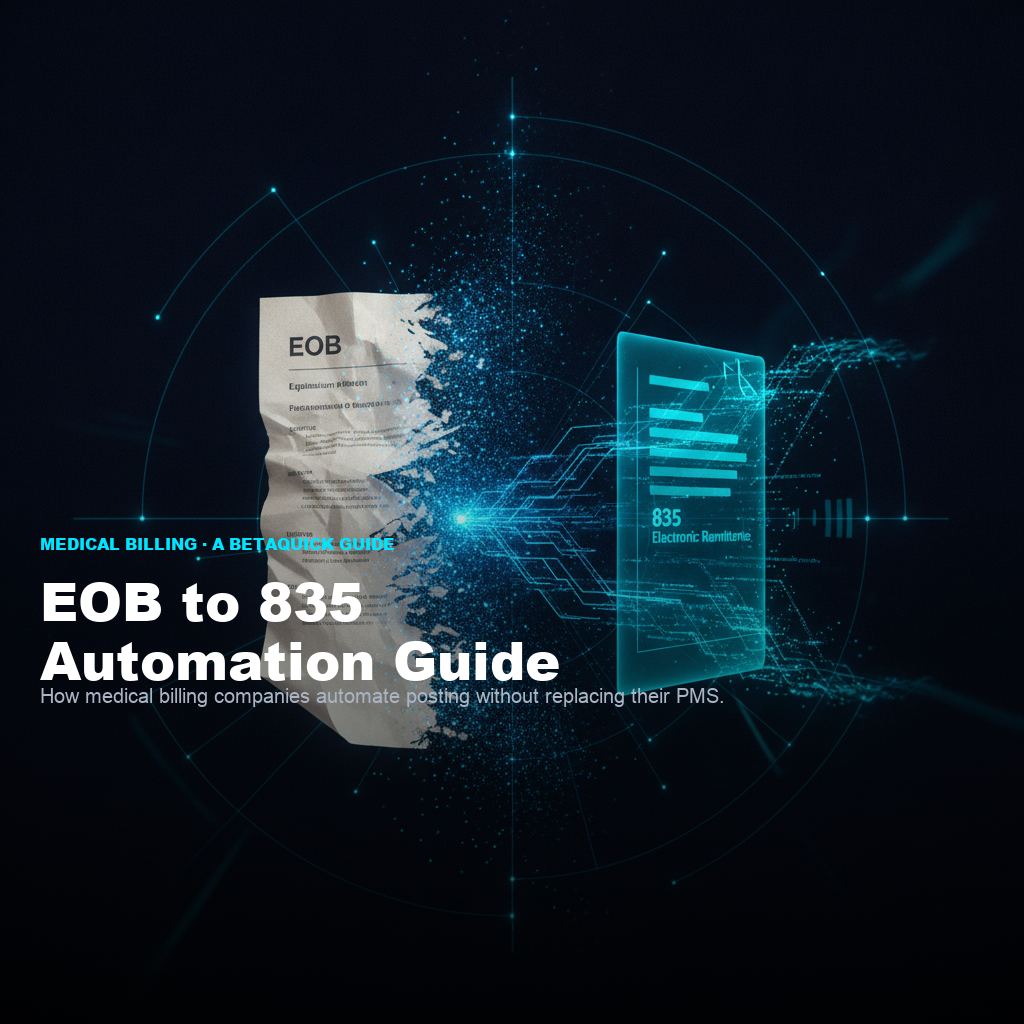
The math on manual EOB keying.
Every EOB keyed by hand runs 5 to 10 minutes per document when you count the full process: opening the document, extracting the payer identifier, matching against the provider and patient, keying each service line, capturing adjustment reasons, entering the payment amount, verifying against the posting screen, and dealing with the inevitable rework on entries that did not tie.
At billing-team labor cost, that works out to roughly $2 to $4 saved per EOB when the process is automated. On a billing company processing 2,000 EOBs per month, that is a full biller's salary you get back per year - without hiring, without turnover, without capacity ceilings.
The larger point: manual EOB keying is the operational bottleneck that caps how many clients a small-to-mid billing company can take on. Every new physician practice client adds hundreds or thousands of EOBs per month to the posting queue. The team either scales linearly with headcount (expensive, high turnover) or refuses new clients (opportunity cost). Neither is a good business model. Automating the EOB-to-835 conversion is the specific unlock that lets a billing company add clients without adding billers.
EOB vs ERA vs 835: sorting the terminology.
The three terms show up in every billing conversation and are sometimes used loosely. Here is the precise distinction.
- EOB (Explanation of Benefits): the paper or PDF document a payer sends explaining how a claim was adjudicated. Contains service lines, amounts paid, adjustments, denials, reason codes. Requires manual keying to post.
- ERA (Electronic Remittance Advice): the electronic version of the same information. Contains the same content but formatted for direct import into a PMS.
- 835 file: the specific technical format (HIPAA X12 5010 transaction) that ERAs are structured as. Every ERA is delivered as an 835 file. Every PMS with 835 import support can consume it.
The industry has been moving to ERA for years, but not every payer has made the shift. Small commercial payers, workers-comp administrators, patient-pay balance flows, international claims, and some Medicaid MCOs still send paper or PDF EOBs at meaningful volume. Billing companies serving multiple practice types (family medicine plus workers-comp plus specialty plus podiatry) tend to see the widest mix of EOB-vs-ERA payer flow, and therefore the largest manual keying burden.
Why billing companies still key EOBs manually.
Two reasons the manual keying persists even in 2026.
1. Not every payer sends an ERA.
Even after decades of the industry pushing electronic remittance, meaningful EOB volume still arrives as paper or PDF. Small commercial payers, some workers-comp administrators, patient-pay balance letters, international insurance, and edge-case Medicaid flows generate EOBs that never become ERAs. A billing company serving 20 clients across 50-plus payer relationships almost always has a paper-EOB flow that cannot be fully eliminated.
2. Historical automation options did not fit small-to-mid billing companies.
Template-based OCR systems (the traditional automation category) require heavy per-payer template development. A billing company touching 100-plus payer formats would need dedicated engineering to build and maintain templates - a cost only enterprise billing operations could justify. Enterprise-priced RCM software with EOB automation modules exists but the seat cost and implementation timeline put it out of range for the small-to-mid segment. So the small-to-mid billing company kept keying manually, and the manual keying kept limiting how many clients they could serve.
AI-based conversion changes both constraints. Format-agnostic reading (an AI agent can read any payer's EOB layout on sight, no template) eliminates the per-payer development burden. And pricing models scoped for smaller billing companies bring the economics in range. The category that used to be "either roll your own OCR or pay enterprise pricing" now has a middle option.
How AI-based EOB to 835 conversion actually works.
The process is straightforward once you understand the pieces.
The billing company forwards incoming EOBs to a designated intake pathway - email address, secure upload folder, mailbox-scanning integration, or fax-to-email gateway. Formats accepted: PDF, scanned paper, TIFF, sometimes native Excel. No format requirements on the payer's side.
The agent reads the document and extracts the required fields for 835 generation: payer identifier, provider identifier (typically NPI), patient identifier, claim number, service line details (CPT codes, charge amounts, paid amounts, adjustment amounts and reason codes), payment total, remittance date. The agent handles payer-specific format variance without needing pre-configured templates.
The extracted data is mapped to the HIPAA X12 5010 835 transaction format and output as a valid 835 file. The file passes standard 835 validation (segment structure, data types, required fields, reference relationships) so any PMS 835 import can consume it without preprocessing.
The 835 file gets delivered to the billing company's PMS import path (SFTP drop, API upload, or manual import depending on the PMS's supported methods). The PMS auto-posts the payments the same way it posts native ERAs. The billing company's posting workflow does not change - only the format-conversion step is automated.
PMS integration patterns.
Every major Practice Management System supports 835 import natively. The specific integration mechanic varies by PMS.
| PMS platform | Standard 835 import method |
|---|---|
| eClinicalWorks | SFTP delivery to a monitored folder, auto-import via scheduled job |
| Athenahealth | Direct API integration via Athena's marketplace, or manual import |
| Kareo (Tebra) | Manual import through the ERA management screen, or partner integrations |
| AdvancedMD | SFTP or direct upload; ERA processing queue |
| DrChrono | API-based, or manual import |
| NextGen | SFTP with auto-import scheduling |
| Practice Fusion | ERA download / upload via portal |
| AllScripts | SFTP with configurable auto-import |
| Greenway (Intergy, Prime Suite) | SFTP with scheduled processing |
The common pattern: an EOB automation vendor drops 835 files to the PMS's import path (SFTP folder, API endpoint, or upload location), and the PMS's existing posting workflow picks them up. From the PMS's perspective, there is no difference between an ERA that arrived from a payer directly and an 835 file generated by the automation vendor - both are valid 835 transactions that trigger the same auto-posting flow.
HIPAA posture and PHI handling.
EOBs contain PHI: patient identifiers, service dates, diagnosis codes in some cases, provider identifiers. Any vendor touching EOB data has to operate under HIPAA as a Business Associate.
Minimum HIPAA posture to expect from an EOB automation vendor:
- Signed BAA before any PHI touches the vendor's systems. Non-negotiable. Vendors who cannot produce a BAA on request or want to sign a "modified" BAA are not ready for this business.
- Encryption in transit (TLS 1.2+) and at rest (AES-256 or equivalent). Standard.
- Access controls with least-privilege model. Vendor employees should not have blanket access to your PHI.
- Audit logging on every PHI access event. Who touched what, when, from where. Retained per HIPAA retention requirements.
- Named subprocessors. If the vendor uses AWS, Azure, GCP, or specialized OCR services, you need to know and each needs its own BAA in the chain.
- Breach notification procedure documented with your specific contact person and timelines aligned to HIPAA breach notification rules.
- Data retention and deletion policy for EOBs and generated 835 files. Some billing companies want everything deleted after successful PMS import; others want a retention window for audit.
Vendors who cannot answer these crisply should not touch PHI. The right vendor answers all seven without hedging and can show you documented policies.
Why the tool never touches money.
One design principle that separates well-scoped EOB automation from over-scoped RCM automation: the tool only converts documents. It does not touch money.
Concretely, that means:
- The AI vendor reads EOBs and produces 835 files. That is the full scope.
- The billing company's PMS posts payments to accounts. Not the AI vendor.
- Bank account access, ACH initiation, reconciliation to bank statements, patient statement generation - none of these happen at the AI vendor's layer.
- If the AI vendor is offline, the billing company's payment flow is not affected. The 835 conversion pauses; the PMS still posts prior 835s and manually keyed EOBs; cash still moves.
This scoping matters for four reasons:
- Compliance simplicity. A vendor that only handles document conversion has a much narrower HIPAA surface and no financial-services regulation exposure. Easier to underwrite, easier to contract.
- Change management. The billing company's team keeps using the same PMS the same way. Only the input flow changes (fewer manual keying tasks). Adoption friction is minimal.
- Risk isolation. If the AI vendor has a bug, it produces bad 835 files. Bad 835 files fail PMS import validation. The billing company catches the problem before any money moves incorrectly. Contrast this with a system that touches payments directly - a bug there moves cash before anyone notices.
- Vendor exit path. If the billing company decides to change AI vendors or bring the work in-house, the PMS side does not change. The switch is at the document-intake layer only.
When to invest in EOB automation.
Three signals, any one of which justifies the investment for a small-to-mid billing company:
- Your team spends more than 30 hours per week manually keying EOBs. That is a threshold where the fully-loaded biller-time cost, plus turnover risk in that seat, plus the capacity ceiling on new clients, all point to the tool being cheaper than the status quo.
- You are turning away new physician practice clients because your team cannot absorb the volume. Every declined client is a permanent opportunity loss - they go to a competitor and rarely come back. If growth is capped by biller capacity, that is exactly the ceiling automation removes.
- Your keying error rate creates rework on more than 5 percent of postings. Rework compounds - each error costs the original 5-10 minutes of keying plus another 15+ minutes to investigate, correct, and re-post. If your quality-control burden is heavy, automation typically drives error rate down substantially because the AI does not fatigue.
The path we recommend to any billing company exploring this: start with a backlog cost snapshot before committing to a build. Compute what your current manual EOB process is costing per month (biller hours, error rework, capacity ceiling) and compare against build-and-monthly-fee. If the math works, the build makes itself. If it does not, you have saved yourself the cost.
Frequently asked.
The electronic Remittance Advice (ERA) transaction defined by HIPAA X12 5010. Payers send 835 files to healthcare providers or their billing companies as the electronic equivalent of a paper EOB. Every major PMS can consume 835 files natively for auto-posting.
EOB is the paper or PDF explanation from a payer. ERA is the electronic version, formatted as an 835 file for direct PMS import. Same underlying information; different delivery format. EOBs require manual keying; ERAs auto-post.
Not every payer sends ERAs - small commercial payers, workers-comp, patient-pay flows, international claims still generate EOBs. Historical automation options either needed heavy per-payer template development or were enterprise-priced. AI-based conversion (format-agnostic, priced for smaller billing companies) is the new middle option.
The agent reads any EOB format (PDF, scan, TIFF), extracts required fields (payer, provider, patient, service lines, amounts, adjustments), maps them to the HIPAA X12 5010 835 format, and outputs a valid 835 file for PMS import. No per-payer templates.
Yes. Every major PMS (eClinicalWorks, Athenahealth, Kareo/Tebra, AdvancedMD, DrChrono, NextGen, Practice Fusion, AllScripts, Greenway) supports 835 import natively. The automation delivers 835 files to your PMS import path; the PMS posts payments the same way it posts native ERAs.
EOBs contain PHI. Any vendor must sign a BAA, encrypt in transit and at rest, use least-privilege access, log every PHI access, name subprocessors, document breach procedures, and have a clear retention policy. Vendors who cannot answer these crisply should not touch PHI.
Two to three weeks. Week 1: connect to PMS import path, configure payer mapping, test with representative EOBs. Week 2: calibration on real EOB flow. Week 3 (if needed): edge-case tuning. Sits between EOB intake and your PMS - no PMS replacement, no workflow change.
Free 15-minute EOB Backlog Cost Snapshot. Zoom meeting. We compute what your current manual process is costing per month and walk you through what automating it looks like. Pricing disclosed on the same meeting - no quote gate.